Objects
Object Literal Notation
A JavaScript object is a collection of name-value pairs, called properties, separated by commas.
A property can also have a function as its value, in case of which it is known as a method. An object defined using braces {} is called an object literal.
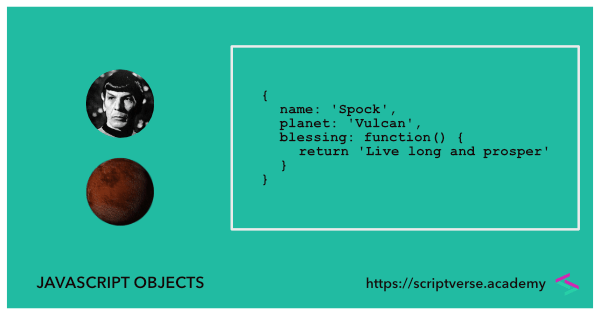
Below is a sample object in JavaScript with property names
name,
planet and a method called
blessing()
					var member = {
						name: "Spock",
						planet: "Vulcan",
						blessing: function() {
							return "Live long and prosper"
						}
					};
Object properties and methods can be accessed either by using the dot notation, for example
						> member.name; // Spock
						> member.blessing(); // Live long and prosper
or by using the square bracket notation, for example
						> member['planet']; // Vulcan
						> member['blessing'](); // Live long and prosper
Constructor Function
Multiple similar objects with the same properties and methods can be
created using constructor functions. First letter of constructor
function names are capitalized to distinguish them from normal
functions. A new object can be instantiated using the
new keyword.
A constructor function called
Member() is defined below with property
names name,
planet and a method called
blessing(). A new instance of
Member() is created using the
new keyword and assigned to the variable
member
					function Member() {
						this.name = "Spock";
						this.planet = "Vulcan";
						this.blessing = function() {
							return "Live long and prosper";
						}
					};

					var member = new Member();
The newly created object's properties and methods can be accessed as
					> member.name; // Spock
					> member.planet; // Vulcan
					> member.blessing(); // Live long and prosper
Custom Constructor Function
Constructor functions can also be modified to accept parameters.
Below we modify the Member() function
shown above to pass two parameters and assign them to the
name and
planet properties respectively.
					function Member(name, planet) {
						this.name = name;
						this.planet = planet;
					};
On calling with the new keyword, objects
can be created with initialized custom
name and
planet properties
					var member1 = new Member("James T. Kirk", "Earth");
					var member2 = new Member("Spock", "Vulcan");
					> member1.name; // James T. Kirk
					> member2.planet; // Vulcan
Singleton Function
The purpose of a singleton object is to limit the creation of
objects, allowing its instantiation just once. An object literal is
a simple example of a singleton (see the first section, above). In
the example below, a self-instantiating function creates a singleton
object called member via the
new keyword.
					var member = new function() {
						this.name = "Spock";
						this.planet = "Vulcan";
						this.blessing = function() {
							return "Live long and prosper";
						}
					};
					> member.name; // Spock
					> member.planet; // Vulcan
					> member.blessing(); // Live long and prosper